Transform Raster Images into Scalable Vectors
Professional-grade vectorization using advanced algorithms. Convert your images to infinitely scalable SVG format with mathematical precision.
Upload Your Image(s)
Supports JPG, PNG, GIF, BMP, WebP up to 10 MB each
Upload up to 5 images at once for batch processing
How It Works
Three simple steps to transform your raster images into perfect vectors
Upload Your Image
Select any raster image from your device. We support all common formats including JPG, PNG, GIF, BMP, and WebP up to 10 MB.
Choose Processing Options
Select your preferred vectorization mode: Black & White for simple graphics or Full Color for complex images with multiple colors.
Download Your Vector
Get your SVG file instantly. The vector format ensures infinite scalability with mathematical precision and perfect edges at any size.
Why Choose VectorizeImage.io
Professional-grade vectorization with features that matter
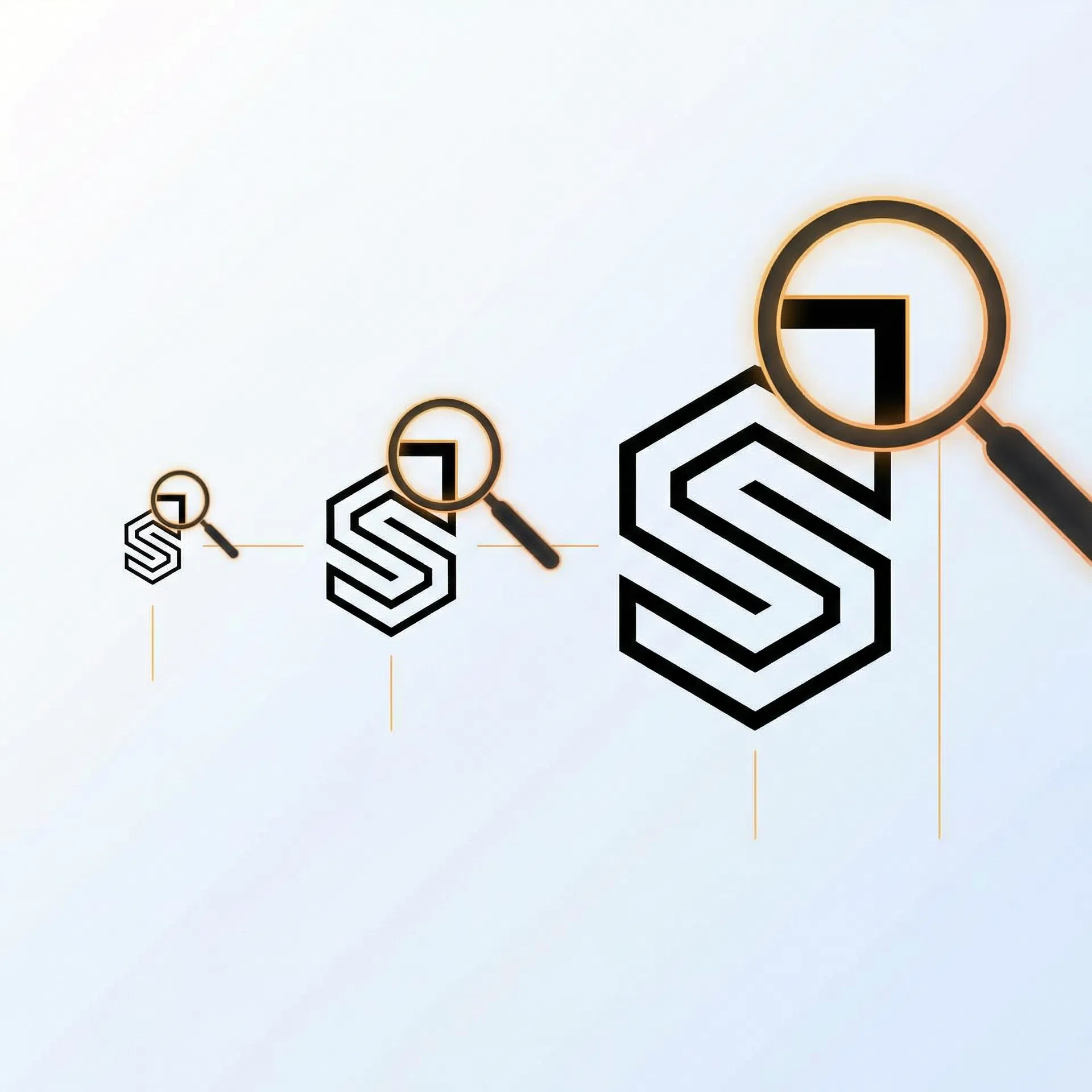
Infinite Scalability
Vector graphics maintain perfect quality at any size, from business cards to billboards.
Lightning-Fast Processing
Advanced algorithms deliver professional results in seconds, not minutes.

Mathematical Precision
Advanced algorithms ensure smooth curves and accurate edge detection with sub-pixel precision.
100% Free Forever
No hidden fees, no subscriptions, no usage limits. Professional tools for everyone.
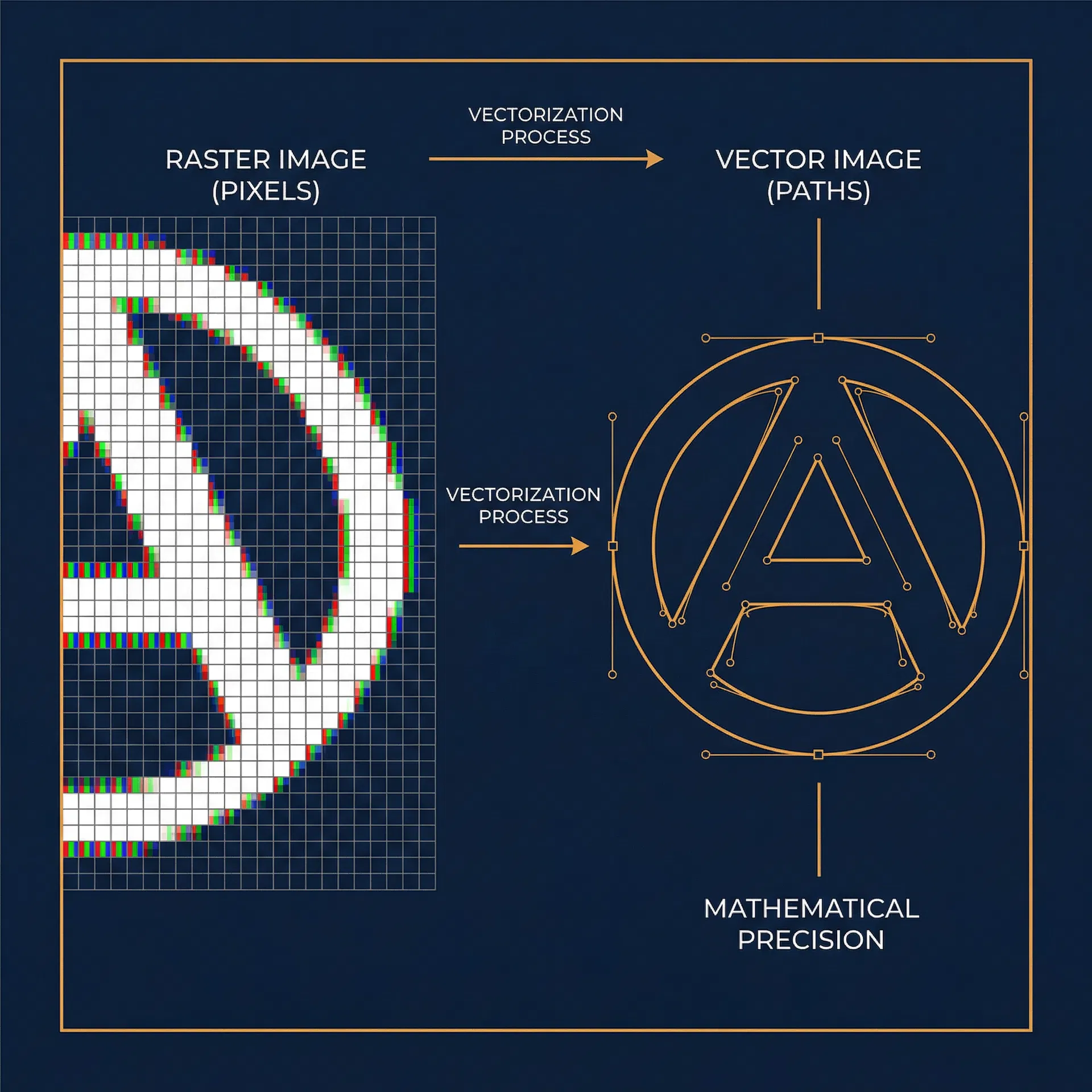
See The Difference
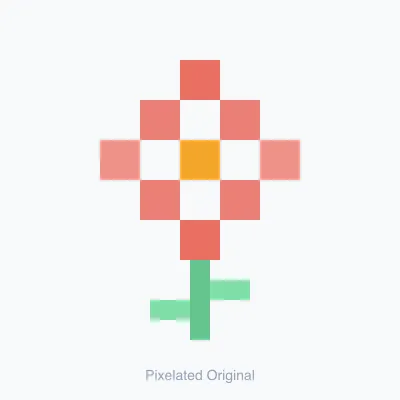
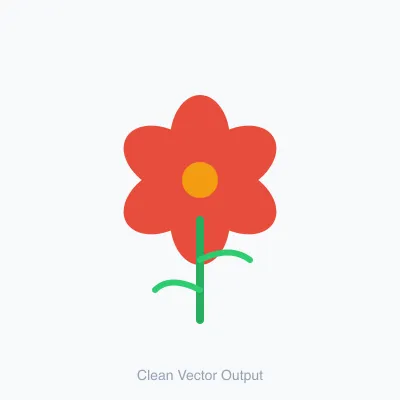
From pixelated raster to smooth mathematical vectors
Perfect For Every Project
From design studios to print shops, vectorization powers professional workflows
Logo Design & Branding
Create scalable logos that look perfect on any medium
Print Production
Prepare artwork for high-resolution printing without quality loss
Web Graphics
Optimize images for responsive web design with crisp edges
Product Design
Generate technical drawings and specifications from photos
Illustration Work
Convert sketches and artwork to editable vector formats
Sign & Banner Design
Scale graphics to any size for large format printing
Real Results
See how vectorization transforms different types of images


Black & White Vectorization
Convert any raster image into a clean black and white vector. Great for icons, silhouettes, stencils, and Cricut projects.
Line Art & Illustrations
Ideal for drawings, sketches, and illustrations. Preserves artistic details while creating smooth curves.
Best for: Logos, icons, illustrations, line art, and simple graphics •Not recommended for: Complex photographs with fine gradients
Frequently Asked Questions
What is image vectorization?
Image vectorization is the process of converting raster images (made of pixels) into vector graphics (made of mathematical paths). Unlike raster images that lose quality when scaled, vector graphics maintain perfect clarity at any size because they're defined by mathematical equations rather than fixed pixels.
What file formats do you support?
We support all common raster image formats including JPG, PNG, GIF, BMP, and WebP. The output is always in SVG (Scalable Vector Graphics) format, which can be opened in any vector editing software like Adobe Illustrator, Inkscape, or Figma.
Is there a file size limit?
Yes, the maximum file size is 10 MB. This limit ensures fast processing times while accommodating most professional use cases. If your file is larger, consider resizing it before upload.
How long does vectorization take?
Most images are processed in just a few seconds. Processing time depends on image complexity and size, but our advanced algorithms are optimized for speed without compromising quality.
Can I use the vectors commercially?
Yes! All vectorized images are yours to use however you wish, including commercial projects. We don't claim any rights to your images or the vectors we create from them.
Do you store my images?
No. Your privacy is our priority. All image processing happens entirely in your browser — your files never leave your device. We never store, upload, analyze, or share your images.
Which mode for Cricut or screen printing?
Use High-Contrast B/W (Silhouette) for Cricut, vinyl cutters, and screen printing—it produces bold shapes and clean edges. For logos and line art use Black & White; for photos and multicolor art use Full Color.
Explore Our Other Free Tools
Complete your image workflow with our suite of professional tools
Image Upscaler
Enlarge images up to 4× their original dimensions while preserving sharpness and detail. Ideal for print and high-resolution displays.
Try It Free →SVG Optimizer
Compress and optimize SVG files to reduce file size by up to 60%. Remove unnecessary metadata and optimize paths for web performance.
Try It Free →